
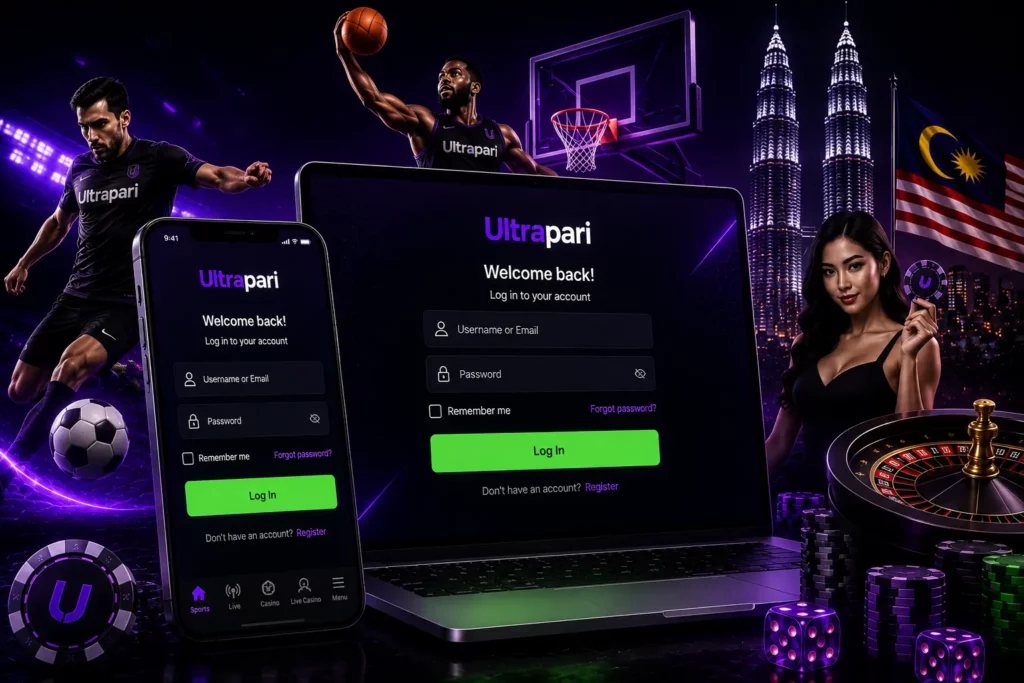
Ultrapari Login for Malaysian Players
Ultrapari provides a login entry on its web platform. Malaysian users can reach it from a desktop browser, Android phone, iPhone or tablet. The mobile route is still browser-based, so there is no need to install an unknown package just to sign in. Once the session opens, a player can move between the sports lobby, live betting, esports, casino, live casino and promotions. The account area is also where users normally check wallet activity, betting records, bonus information and verification requests when those tools are available for the account.
Before entering a password, take a few seconds to check the address bar. Clone websites often copy casino logos, colours and login boxes. A familiar-looking page is not enough. Use the Ultrapari address you have already verified, avoid login links sent by strangers and never type account details into a page that arrived through an unexpected message.
| Login situation | What to have ready | Safe action |
|---|---|---|
| Normal sign-in | The username or email accepted by the account and its password | Type the details on the verified website |
| Additional check | Access to the email address or phone number linked to the account, if requested | Follow the on-screen instruction and enter only the current code |
| Forgotten password | The contact detail used during registration | Use the password recovery option instead of opening a duplicate account |
| Blocked or restricted account | Account identifier, registered contact and a short explanation | Contact the relevant support address and do not send your password |
| Suspicious activity | The time of the unusual login or transaction and any available account details | Stop using the session and contact the security team |
How to Log In to Ultrapari
A clean login routine reduces mistakes. It also makes it easier to tell the difference between a wrong password, a browser problem and an account restriction.
Open the Ultrapari Login Page
Open a trusted browser and use the Ultrapari website you normally access. You can type the address manually, use a bookmark created after checking the domain or use the login button on the platform homepage. Do not rely on the first advertisement in a search result. Check the spelling of the domain and make sure the connection uses HTTPS.
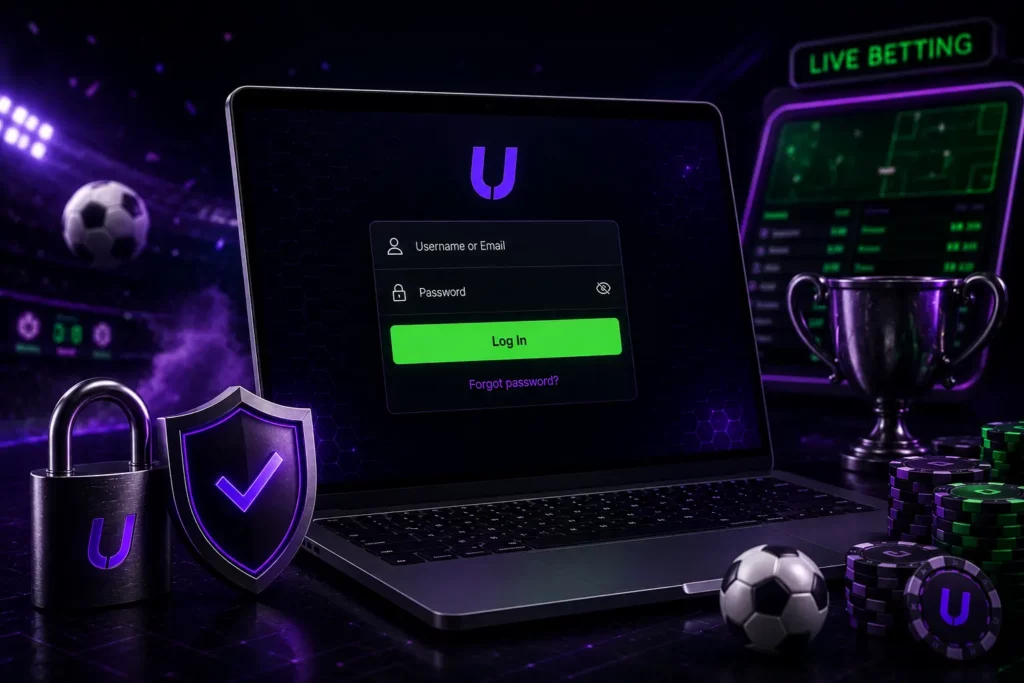
If the page design looks different, the address contains extra words or the browser shows a security warning, close the tab and start again. The login page may display sports, casino or promotional content around the sign-in area. That does not change the basic process. Find the account fields, rather than entering details into a pop-up or a separate page opened by an unfamiliar banner.
Enter Your Username and Password
Enter the username or email address linked to the account, then type the current password. Use the exact format accepted during registration. A saved password can be useful on a personal phone, but autofill is best avoided on a shared computer or a device that other people can unlock. If the password is rejected, check the following before trying again:
- Caps Lock and the keyboard language are set correctly.
- There is no blank space before or after the username.
- The browser has not filled an old password.
- The account is being opened through the correct website.
Avoid repeated guesses. Several failed attempts can make the situation harder to diagnose and may lead to a temporary restriction, depending on the account security controls in use.
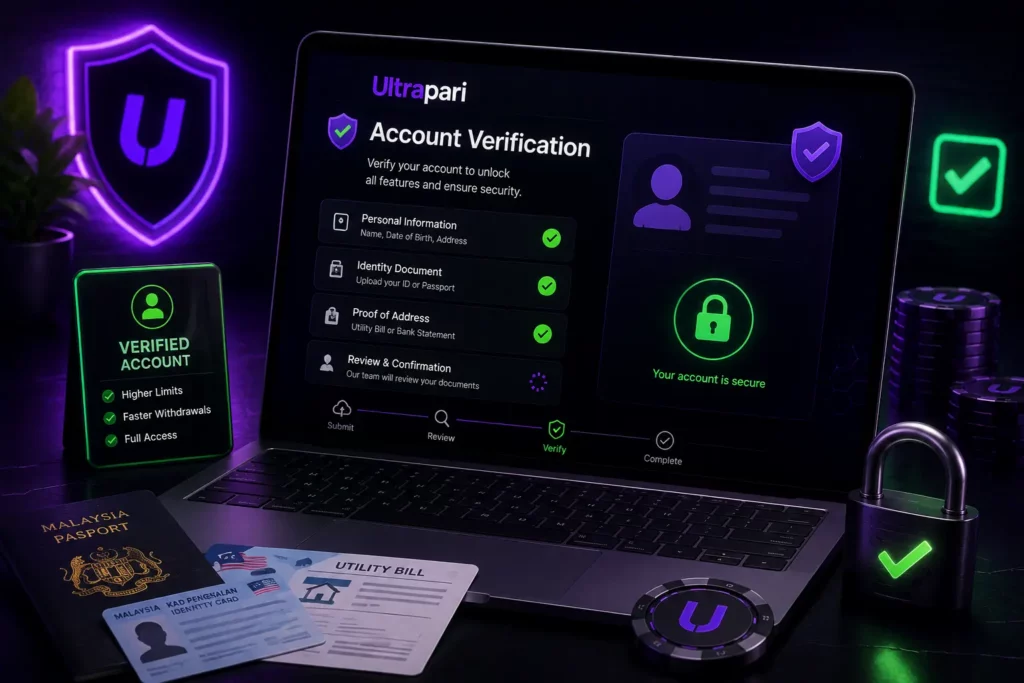
Complete Account Verification
Some sign-ins can include an extra verification step. The prompt may ask you to confirm access through a contact method already connected to the account or to complete another check shown by the platform. The wording and timing are not necessarily identical for every user. Use only a fresh code or current instruction. Never forward a login code to another person, even if the request appears to come from someone offering help. If a message does not arrive, check the spam or junk folder, confirm that the contact detail is correct and request a new message only when the page provides that option.
A verification prompt is not a reason to upload identity documents to a random email address. If the platform asks for account verification, follow the instructions inside the account or use a recognised support channel.
Access Your Ultrapari Account
After the sign-in succeeds, pause before placing a bet or starting a game. Check that the account name or identifier is yours, the displayed balance looks familiar and the page has loaded completely. If the balance, currency display or open bets look unexpected, do not make another transaction to test the problem. A useful post-login check takes less than a minute:
- Confirm that the correct account is open.
- Review recent wallet or betting activity if it is visible.
- Check whether a promotion has conditions that affect the balance.
- Sign out if the device is shared or borrowed.
This small habit can prevent a second transaction when a previous deposit, withdrawal or bet is still processing.
Ultrapari Login on Mobile
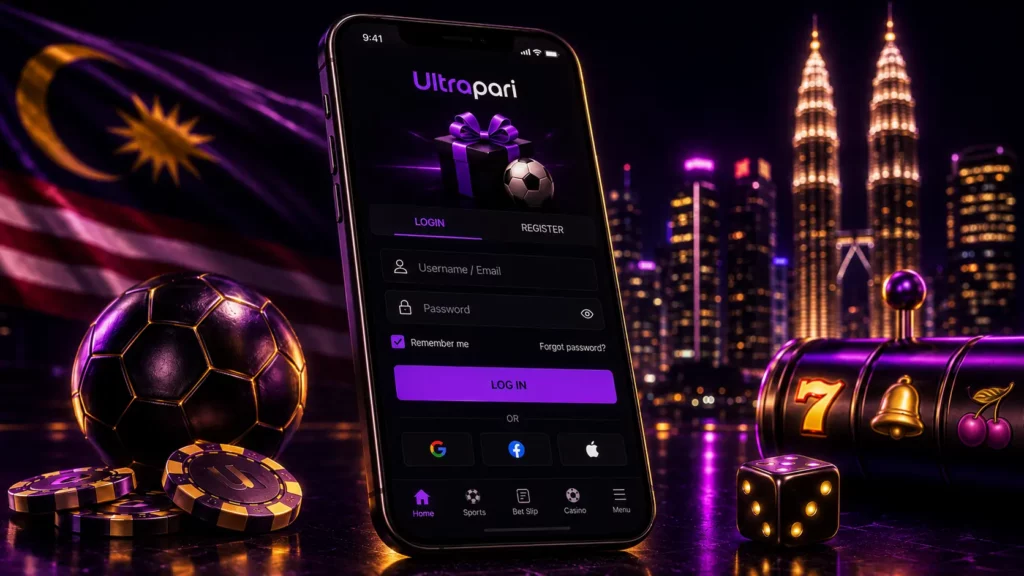
The Ultrapari mobile experience is designed around browser access. That matters for Malaysian users who see pages claiming to offer an official “Ultrapari login app” or a quick APK. A native Android package or separate iPhone application should not be assumed to be genuine simply because it uses the brand name.
Login via Android
Android users can open the verified Ultrapari website in Chrome or another trusted browser and sign in with the same account details used on desktop. The site can also be added to the home screen as a shortcut without downloading an APK. Keep the browser and Android updated, avoid saving passwords on shared or rooted devices, and sign out after using the account.
Login on iPhone and iOS
iPhone and iPad users can access Ultrapari through Safari or another trusted browser using their regular login credentials. For faster access, Safari allows the website to be added to the home screen as a shortcut. Always verify the domain before signing in and avoid installing unknown apps or configuration profiles claiming to be required for access.
Login Through the Mobile Website
The mobile website provides direct access to the Ultrapari account without installing additional software. Sports, casino, payments, promotions and account history can be reached through the mobile navigation menu. Use a secure private connection for logins and transactions, avoid public Wi-Fi where possible, and sign out when finished.
Forgot Your Ultrapari Password?
Password problems are common, but they do not require a new account. Start with the recovery route connected to the existing login page. Creating another profile can make identity checks, bonus records and payment questions more complicated.
Reset Your Password
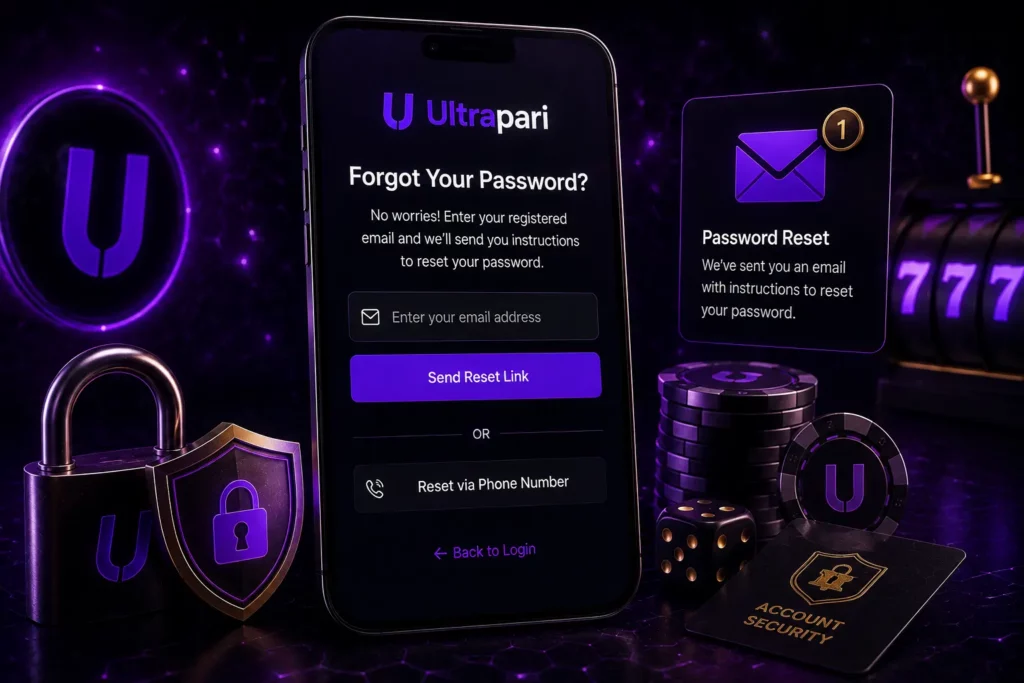
Select the “Forgot password?” or similar recovery link if it is shown on the login form. Enter the email address, username or other contact detail requested by the form, then check the inbox or phone connected to the account. Use a new password that is not used for email, banking or social media.
A good password is long, unique and difficult to link to your name, birthday or favourite team. If the reset message expires, request a fresh one rather than reusing an old link. Do not click several reset links at once. Open the newest message, confirm that the domain is correct and close older messages that may no longer be valid.
Recover Your Account
Recovery becomes more complicated when the registered email address or phone number is no longer accessible. In that case, collect the details that help support identify the account without exposing secret credentials:
- Username or account number, if known.
- Registered email address or phone number.
- Approximate registration date.
- A clear description of what changed, such as a lost phone or a rejected password.
- The date and time of any unusual login or payment activity.
Never include the current password, a one-time code or a full payment-card number in a recovery message. If identity documents are requested, use only the verification route provided by the platform and cover information that is not needed for the stated check.
Contact Customer Support
Use the address that matches the problem. General account questions can be sent to [email protected]. Questions about a blocked account are directed to [email protected], while suspicious access or security concerns can be sent to [email protected]. For a complaint, use [email protected]. Questions about personal-data handling can be sent to [email protected]. The message should contain a short timeline and the account contact detail, but not the password or a login code. A concise support message is easier to process than a long series of separate emails. Use a subject such as “Unable to log in” or “Account access review”, explain the exact error and attach a screenshot only after removing unrelated personal information.
Ultrapari Registration for New Players
The login page is for existing users. Anyone without an account should use the separate registration route rather than trying random credentials in the sign-in form. Registration and login are different actions, even when both buttons appear next to each other.
How to Create an Ultrapari Account
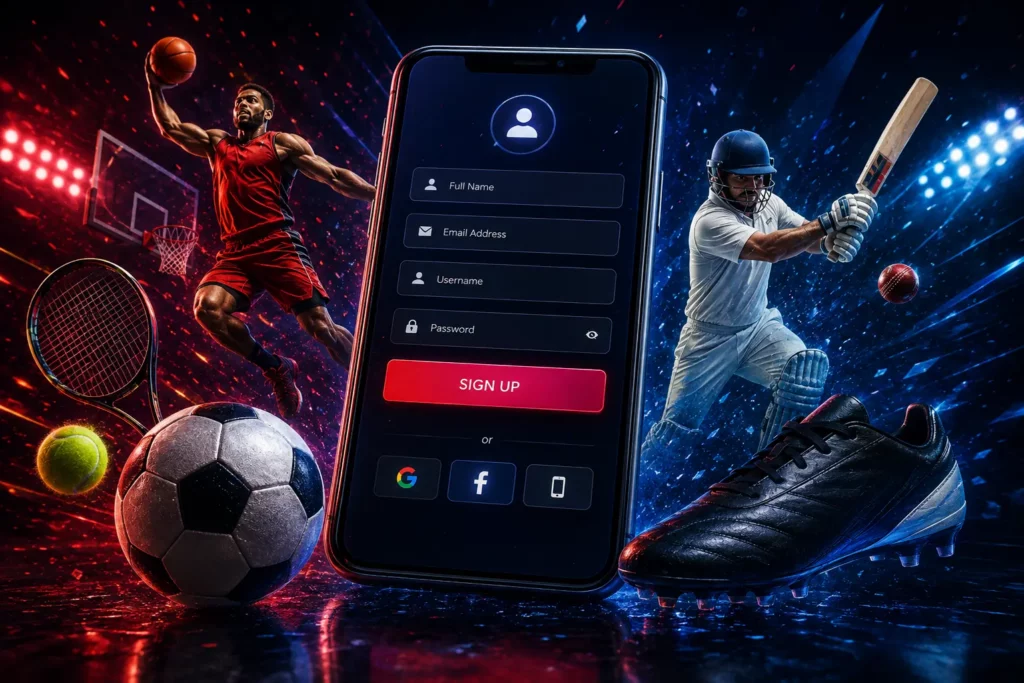
The registration form can change as the platform updates its account process. The usual sequence is:
- Open the Ultrapari website and choose Registration.
- Enter the requested personal and contact details accurately.
- Create a strong password and review the terms, privacy information and account rules.
- Submit the form and complete any email, phone or account verification prompt.
- Sign in and check whether the account asks for additional identity verification before using wallet functions.
Use one reachable contact address. A disposable inbox or a phone number that will soon be cancelled can make password recovery much harder later.
Information Required for Registration
Registration details can vary by account region, but players should use an active email or phone number, accurate personal information and a unique password. Any name, date of birth or address entered should match the documents that may later be used for verification, and payment details should belong to the account holder where required. If a Malaysian player is unsure what a field means, it is better to contact support before submitting incorrect information that could complicate deposits, withdrawals or KYC.
Account Verification
Ultrapari may use basic contact confirmation for email or phone access, while full KYC can require identity documents, proof of address or other supporting information. Documents should be current, clearly visible and consistent with the registration details, as cropped images, glare or mismatched data can delay approval. Verification may take longer than a standard login, so players should avoid opening duplicate accounts or repeatedly sending the same files while a review is still in progress.
Ultrapari Account Features
After a successful login, the account area becomes the control centre for personal data, wallet actions, betting records and promotional information. Menus can differ between devices and jurisdictions, so use the labels shown in your own account rather than relying on a screenshot from another player.
| Account area | What to check after signing in | Why it matters |
|---|---|---|
| Personal details | Contact data, verification prompts and visible profile information | Old details can block recovery messages or create a mismatch during checks |
| Wallet | Available balance, pending deposits or withdrawals and any displayed limits | A pending transaction should be checked before a second request is made |
| Betting history | Open and settled bets, stake, odds and result where displayed | The record helps clarify whether a bet was accepted or is still processing |
| Casino activity | Recent game or session information if the account provides it | Useful for checking play time, stake records and unexpected activity |
| Bonuses and promotions | Active offers, expiry dates and conditions | A headline offer is not the same as a withdrawable balance |
Manage Your Personal Details
Open the profile or account settings area and check the email address, phone number and other visible details. Some information may be editable directly, while a name, date of birth or verified identity field may require support to change. Update contact information before losing access to an old inbox or number. Use your own details and keep them consistent with the information used for any later account review. Avoid changing several important fields at the same time without keeping a record of what was submitted.
Deposit and Withdrawal Management
The wallet section is where users normally begin a deposit or withdrawal. Available methods, minimums, limits, fees, processing times and verification requirements can vary by account and country. Check the details displayed immediately before confirming a transaction.
Keep the confirmation screen or transaction reference until the money reaches the expected destination. If the balance does not update, do not repeat the payment straight away. First check the wallet history, email notifications and any pending status.
A login does not automatically mean that every wallet action is available. An account can be signed in while a payment function is waiting for verification or subject to a current restriction.

Betting History
The betting history area helps separate an accepted bet from an abandoned selection. Review the event, market, odds, stake, acceptance time and settlement status when those details are shown. For a live bet, the screen can change while an event is in progress. If a price disappears or the page stops responding, check the history before pressing the confirmation button again. Keep a screenshot and the bet reference if the result does not match the record displayed in the account.
Casino Activity
Casino activity may appear under a separate history menu, wallet record or game-specific section. If the account shows recent sessions, use it to review the game name, time, stake and result. Not every interface presents the same level of detail.

If a game closes unexpectedly, sign in again and check the account record before launching the game repeatedly. A session can continue on the server even when the phone loses connection, and reopening it may create confusion about which round was already recorded.
Bonuses and Promotions
The promotions area can show welcome offers, sports campaigns, casino rewards, free spins or other account incentives. Before activating anything, read the product scope, expiry, wagering or turnover conditions, eligible payment method and withdrawal restrictions shown with the offer.
A bonus balance is not always available for immediate withdrawal. The account may separate cash balance, bonus funds and pending rewards. If the wording is unclear, ask support before depositing for the purpose of meeting a promotion.
Ultrapari Login & Account Security
Account security begins before the login form. A strong password cannot protect a user who enters it into a copycat website or shares a verification code in a chat.
Protecting Your Login Details
Use a unique password for Ultrapari and avoid reusing credentials from email, banking or social accounts. Keep passwords and one-time codes private, do not store them in shared screenshots or public devices, and change the password from a trusted device if someone else may have seen it. A password manager can also help create and store stronger credentials securely.
Secure Account Access
Before logging in, check the website address and browser connection, keep your device and browser updated, and use a screen lock. Avoid saving credentials on shared devices or public networks, review any available security settings after login, and watch for unusual password-reset messages, new-device alerts, balance changes or unfamiliar bets. If anything looks suspicious, change the password and contact support.
Responsible Account Management
Set a personal spending limit before betting and avoid increasing deposits to recover losses. If gambling stops feeling recreational, consider taking a break or using any responsible-gaming and self-exclusion tools available through the platform. Malaysian players should also check current local eligibility and Ultrapari account rules before using real money.
Common Ultrapari Login Problems
Most login failures fall into a small number of groups. Identifying the group first is faster than changing several account details at once.
| Problem | Practical check | When to contact support |
|---|---|---|
| Incorrect username or password | Check spelling, keyboard layout, autofill and the password reset route | The reset message does not arrive or the account remains inaccessible |
| Account access issue | Look for a blocked, suspended or verification message and stop making repeated attempts | The screen mentions a restriction or the account was closed unexpectedly |
| Verification problem | Check the registered contact, spam folder and the age of the code | Details no longer match or documents are requested again |
| Login page not loading | Try a trusted browser, private window, stable connection and a cleared cache | The issue continues across devices or a payment-related session is affected |
Incorrect Username or Password
Start with the basics: check Caps Lock, keyboard language, spaces and old autofill data. If the account uses an email address, make sure the entire address is entered. If several attempts fail, stop guessing and use the reset route. Do not ask another person to “test” the password. That creates an unnecessary security risk and does not explain whether the issue comes from the account or the browser.
Account Access Issues
A blocked, suspended or restricted account requires a different approach from a simple password error. Do not create another account to bypass the restriction; instead, contact [email protected] using the registered contact details and briefly explain the issue. If access stopped after an unfamiliar device, password-reset message or transaction, also contact [email protected] and include the time of the suspicious activity without sharing passwords or verification codes.
Verification Problems
If a verification code does not arrive, confirm the email address or phone number, check spam folders and signal quality, then request a new code only when the page allows it. For document issues, compare your registration details with the submitted ID and check for spelling differences, outdated documents or mismatched information. If the cause is unclear, ask support what needs to be corrected before uploading anything again.
Login Page Not Loading
If the Ultrapari login page does not load, reopen the verified website, switch between Wi-Fi and mobile data, try an updated trusted browser or use a private window to rule out cookie and extension problems. Clear the site cache only if necessary, and if the page works on another device, troubleshoot the original browser before changing your password. Avoid downloading unofficial APKs or “login fix” applications while resolving a temporary browser issue.
Ultrapari Login FAQ
Open the verified Ultrapari website, choose the login option, enter the username or email and password linked to your account, then complete any verification prompt shown. Check the account and balance after the page loads.
Yes, mobile access can be opened through a trusted Android or iPhone browser. The browser-based website is the practical route for signing in. You can save a home-screen shortcut if you want one-tap access, but do not treat an unverified APK or clone app as an official login tool.
Use the password recovery link on the login page and follow the message sent to the contact detail connected to the account. If you cannot access that email address or phone number, contact support with identifying account information, but never include the password or a one-time code.
New players should select Registration rather than Login and complete the current form with accurate personal details. A contact check or additional KYC review may be required. Eligibility, account rules and available features can depend on location and the information supplied during registration.
The cause may be an incorrect password, an old contact detail, an expired verification code, a browser problem or an account restriction. Check the error message, try the relevant recovery step and avoid repeated guesses. If the problem continues, contact the support address that matches the issue, especially when the screen mentions blocking or suspicious activity.